
Discover how to implement KPI dashboards in B2C sales: key metrics, real-time monitoring, and practical strategies to increase conversions.
How can KPI dashboards transform sales management in B2C teams? KPI dashboards provide real-time visibility, intelligent lead prioritization, and data-driven execution, enabling sales teams to make agile decisions and significantly increase lead conversion.
Key performance indicator (KPI) dashboards have become a fundamental tool for B2C sales teams looking to improve their performance. They make it possible to visualize performance in real time, identify improvement opportunities, and carry out strategic actions that turn prospects into customers. In this content, we will explore how to implement effective KPI dashboards, which metrics to prioritize according to your goals, how to avoid common mistakes, and what results you can expect from adopting this strategy.
What is a KPI dashboard and why is it essential for B2C sales?
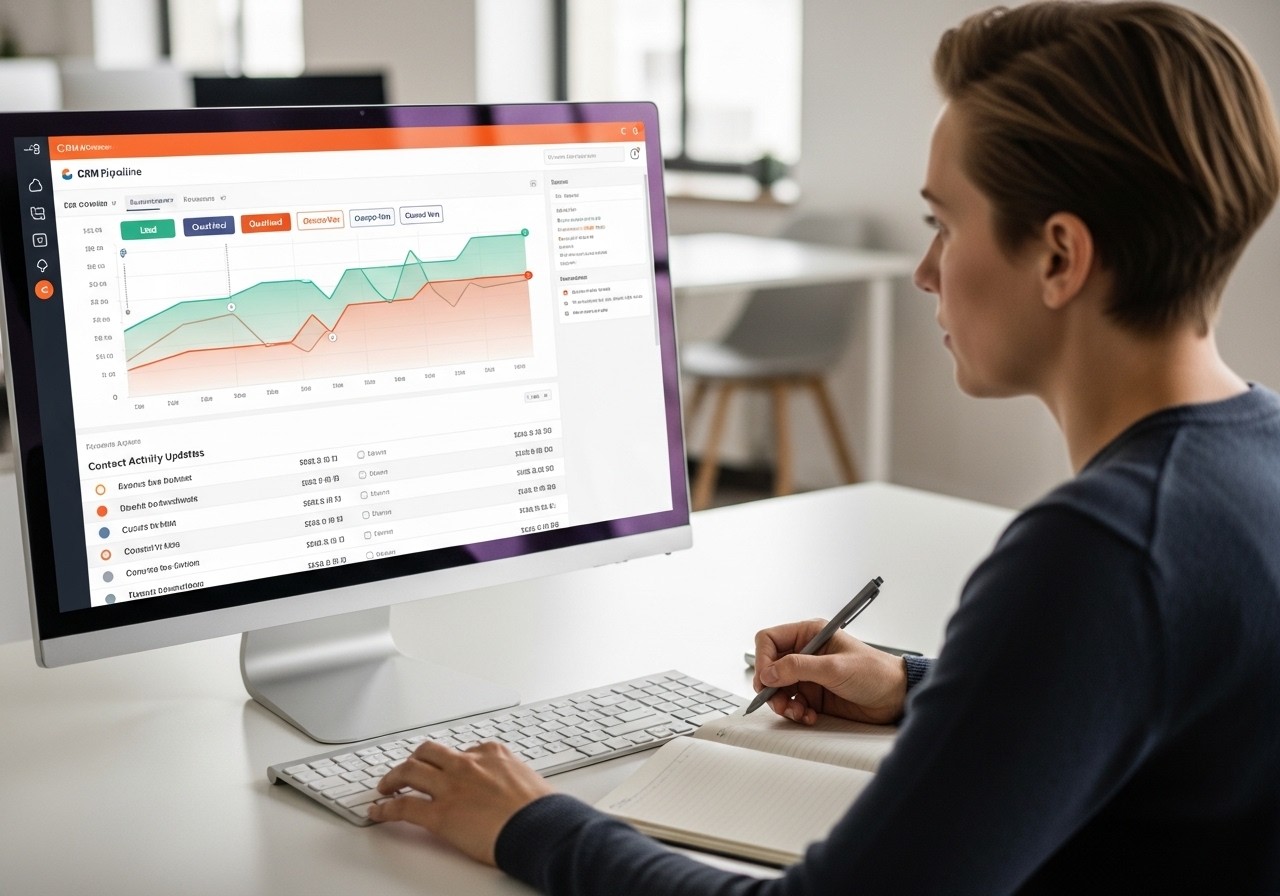
A KPI dashboard is a visual tool that centralizes your sales team’s key performance indicators. Its purpose is to facilitate agile decision-making, detect deviations in real time, and optimize lead-to-customer conversion.
In the B2C context, where the sales cycle is shorter and the volume of leads is higher, these dashboards become an indispensable tool for maintaining control and operational efficiency.
What an effective KPI dashboard for sales includes
Although dashboards may vary according to each team’s specific goals, they generally include the following elements:
Key metrics you should monitor
Lead conversion rate: Percentage of leads that become customers. It is calculated as (number of sales / number of leads) × 100. Recommended review: daily or weekly.
Customer response time: Average time from lead receipt to first contact. Measured in minutes or hours. Recommended review: daily.
Customer lifetime value (CLTV): Total expected revenue per customer over their relationship with the company. Recommended review: monthly.
Customer acquisition cost (CAC): Average investment required to acquire a new customer. Recommended review: monthly.
Call abandonment rate: Percentage of unanswered or abandoned calls. Recommended review: daily.
Sales growth: Percentage change in revenue compared with the previous period. Recommended review: monthly.
Dashboard customization by roles and responsibilities
An effective dashboard should adapt to the specific goals and responsibilities of each team member. Customizing views allows each salesperson to see their own results, individual targets, and relevant alerts. This encourages personal accountability, drives continuous improvement, and creates a culture of data-based transparency.
Real-time monitoring and immediate intervention
The ability to monitor in real time makes it possible to act immediately when critical deviations occur. Some examples of action signals:
- If the conversion rate falls below 5%, review the sales script and prioritize leads with a higher likelihood of conversion.
- If response time exceeds 30 minutes, dynamically reassign tasks or automate alerts to speed up contact.
- If CAC increases by more than 10% month over month, analyze campaign performance and adjust investment in less efficient channels.
What common challenges do KPI dashboards solve?
Indicator dashboards help sales teams overcome frequent operational obstacles that directly impact conversion.
Reactivating cold leads and detecting missed opportunities
Detecting leads that have not been contacted in more than 48 hours is critical to maximizing the value of each lead. The dashboard should clearly show these cases and ideally trigger automatic reminders. This significantly reduces the loss of opportunities and optimizes the return on lead acquisition investment.
Intelligent lead prioritization through contact algorithms
Without clear and structured data, teams often choose whom to contact based on intuition or inconsistent criteria. An effective dashboard implements prioritization algorithms based on conversion probability, lead potential value, and contact age. This significantly optimizes the use of available time and resources.
Designing strategic training for tool adoption
Resistance to change is a common obstacle when implementing new tools. To avoid it and ensure adoption:
- Provide 2 to 3 hours of initial training on how to use the dashboard, read KPIs, and interpret data.
- Conduct practical simulations with real business cases.
- Establish clear success metrics: adoption rate, reduced response time, and increased conversion in the first month.
What concrete results do KPI dashboards deliver according to real cases?
Implementing KPI dashboards has been shown to generate significant improvements in B2C sales teams. Below is a comparison of results:
Initial situation | Implemented strategy | Result obtained |
|---|---|---|
Team with low conversion and lack of data visibility | Integration of KPI dashboard with hands-on training and weekly supervision | 15% improvement in conversion rate and 10% reduction in abandoned calls |
Dashboard implementation without training or follow-up | Lack of real adoption, ignored data, unchanged processes | No improvement in results and wasted investment in tools |
How to prioritize execution and action over administrative management
Traditional sales management is based on supervising, reporting, and documenting. The modern approach prioritizes execution: acting on real-time data to generate immediate results.
Standardized, scalable, results-oriented processes
Define clear and consistent steps for each stage of the sales cycle: initial contact, follow-up, closing, and after-sales.
Automate reminders, critical tasks, and notifications within the dashboard.
Review KPIs weekly and adjust processes according to the results obtained.
Practical actions to implement an effective KPI dashboard
Select 4 to 5 critical KPIs directly aligned with business objectives.
Integrate the dashboard with the CRM and all available contact channels (phone, WhatsApp, email).
Assign specific owners for daily indicator review and decision-making.
Set up automatic alerts that notify key deviations in real time.
Schedule structured weekly meetings to analyze results and define corrective actions.
Common mistakes to avoid when designing KPI dashboards
Including too many irrelevant indicators: Makes focus difficult and creates confusion in decision-making.
Not updating data in real time: Prevents a quick response to performance changes.
Lack of team training: Drastically reduces adoption and the tool’s real usefulness.
Not defining clear action thresholds: Creates confusion, indecision, and execution paralysis.
KPI dashboards: the next strategic step in B2C sales
Adopting KPI dashboards enables B2C teams to execute precise data-driven actions, significantly improve lead conversion, and anticipate problems before they negatively affect revenue. Where traditional CRMs tend to record and archive historical data, Vixiees makes agile execution and strict compliance with the sales processes you define easier. If you want to explore how to optimize your sales team’s performance with KPI dashboards and data-driven strategies, we invite you to schedule a strategic meeting with Vixiees to discover customized solutions.
Expert opinion: In today’s B2C environment, the difference between efficient sales teams and those that fail to achieve results lies in the ability to execute concrete actions based on verifiable data. Dashboards of key performance indicators (KPI) not only provide operational transparency, but also make it possible to intervene proactively before problems turn into real losses. The key is to integrate these dashboards with contact systems and to train teams so they can interpret the information and act immediately. Only then is real impact achieved in conversion, revenue, and business sustainability.