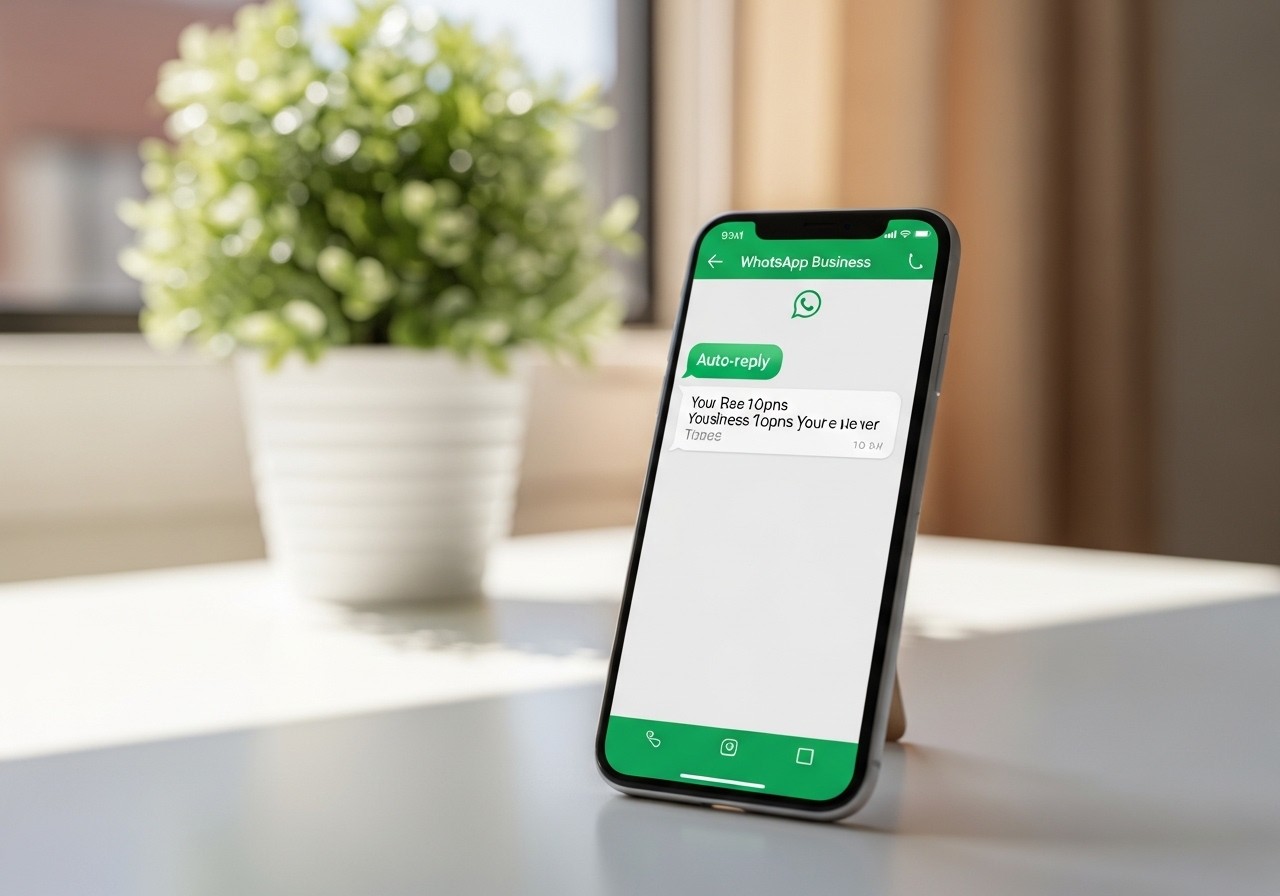
Discover how to set up automatic away messages in WhatsApp Business, a free feature and a fundamental tool for customer retention. It allows you to automatically respond when the business is unavailable and helps reduce user anxiety by offering immediate alternatives.
How can a strategically designed away message on WhatsApp Business transform cold leads into conversion opportunities, even outside your business hours? A well-structured away message does not just manage expectations professionally: it is a free WhatsApp Business feature that helps retain clients, reduces user anxiety when there is no immediate response, and protects business time without abandoning commercial attention.
Sales teams face a constant challenge: responding to potential clients in a timely manner without losing quality in communication. The away message on WhatsApp Business emerges as a free and strategic solution that allows you to maintain the relationship with prospects when you are not available, particularly in dynamic markets like Spain and Latin America. By automating responses outside of business hours, you not only manage expectations and prevent leads from going cold, but you also reduce user anxiety, offer immediate alternatives, and optimize conversion through intelligent interactions. In this content, we will explore how to configure, customize, and measure the real impact of these automated messages on your commercial strategy.
Quick response: The WhatsApp Business away message is a free feature that sends automated responses when your business is unavailable. It can be scheduled for specific times, outside of business hours, or permanently, and it also allows you to choose specific recipients, such as people who are not saved in your contacts. Well-configured, it helps reduce user anxiety, keeps the commercial opportunity alive, and protects the business owner's personal time.
What is a WhatsApp Business away message and how does it work
Definition and operational functioning
An away message on WhatsApp Business is a free feature and a fundamental tool for customer retention. It allows you to automatically respond when the business is unavailable to protect the business owner's personal time without neglecting professional attention.
Essential components of the message
Flexible configuration: The configuration allows you to schedule delivery at specific times, outside of business hours, or permanently.
Immediate alternatives (current trends): Messages should not only inform about the absence, but also offer immediate alternatives, such as links to catalogs or guided AI flows to resolve frequently asked questions 24/7.
Recipient selection: Possibility to select specific recipients, such as those not saved in the contact address book.
Why away messages prevent leads from going cold
Impact on opportunity retention
The automatic response on WhatsApp Business helps reduce user anxiety in the absence of an immediate reply. Studies indicate that 40% of consumers abandon a conversation if they do not receive a response within the first 30 seconds.
Key actions to implement
Activate message automation for out-of-office hours, specific times, or permanent availability.
Include immediate alternatives such as catalogs, FAQs, forms, or AI-guided flows to resolve doubts 24/7.
Define who the message will be sent to: everyone, everyone except some contacts, only specific contacts, or people not saved in the contact address book.
How to design away messages that convert
Proven templates for Spanish-speaking markets
Example 1:
“Thank you for your message. Our team will get back to you in less than 24 hours. In the meantime, check out our catalog here: [link].”
Example 2:
“Hello, we have received your inquiry. Would you like to schedule a call? Reply with 'Yes' and we will get in touch during the next available slot.”
Example 3:
“We are currently closed. Check out our active offers here: [link]. We will reply to you as soon as possible.”
Example 4:
“Thank you for writing to us. If your inquiry is urgent, please state so and we will prioritize your request.”
Example 5:
“We are currently helping other clients. Would you like to receive personalized information by email? Share your email address.”
Personalization by customer segment
Adapt your automatic message in WhatsApp Business considering the type of potential customer (new, recurring, VIP) and the specific context (product inquiry, post-sales service, complaint management).
WhatsApp Business App vs API: when to use each one
Comparative analysis for your strategy
Feature | WhatsApp Business App | WhatsApp Business API | Recommendation by scale |
|---|---|---|---|
Message setup | Manual and basic | Advanced and programmable | App: low volume |
Level of customization | Limited | Segmented and dynamic | API for large teams |
Integration with systems | Not available | Yes (CRM, conversational bots) | API if integration is required |
Advanced automation | No | Yes | API for complex flows |
Required investment | Free | Variable based on usage | App for SMBs, API for enterprises |
Key metrics for continuous optimization
KPIs you must monitor
KPI | Definition | Method of measurement | Recommended Goal |
|---|---|---|---|
Average response time | Time elapsed from automated message to human response | Automated logging in WhatsApp Business | <15 minutes during working hours |
Post-message conversion rate | % of potential customers who move forward after receiving the automated reply | Tracking in CRM or sales platform | >20% |
% of qualified leads | Proportion of potential customers with complete information | Analysis of forms and chatbot data | >60% |
Customer satisfaction (CSAT) | Customer evaluation of the communication received | Automated post-interaction surveys | >80% |
Periodic review and adjustment
Analyze these indicators weekly and refine the content of your messages based on the gathered data.
AI integration in away messages for uninterrupted sales
Implementation process with artificial intelligence
Define automation objectives (lead qualification, direct sales, technical support).
Select a WhatsApp API provider that integrates advanced artificial intelligence.
Configure the conversational bot to gather essential data and classify requests automatically.
Schedule smart alerts for your sales team when a potential client requires personalized attention.
Operational execution of the strategy in your sales team
Step-by-step process for your team
Review daily the automated messages received outside of business hours.
Qualify the potential customer based on information collected by the bot or form.
Assign setup or follow-up to the corresponding manager or schedule a call.
Update your CRM system with all executed actions.
Quick implementation
Set up the after-hours automated response in less than 10 minutes.
Add a direct link to your digital catalog in the away message.
Establish weekly reviews of critical metrics (response time, conversion).
Transform your commercial communication with strategic away messages
The away message in WhatsApp Business is much more than a simple automated response: when designed strategically, it becomes a powerful tool that keeps leads active and improves conversion even when you are unavailable. For sales teams looking for tangible results, the key lies in automating intelligently, personalizing by segment, and continuously measuring the impact of each interaction. If you wish to take your commercial strategy to the next level and discover how Vixiees can help you implement more effective, results-centered, and conversion-oriented sales processes, we invite you to explore our specialized business automation solutions.
Expert opinion: In highly competitive business environments, response speed and communication clarity determine whether you win or lose a potential customer. An out-of-office message in WhatsApp Business, properly structured and automated, not only prevents the loss of valuable opportunities, but also serves as a strategic extension of your sales team. The secret lies in designing personalized automatic responses that guide the potential customer toward the next step in the conversion, while always maintaining professionalism and alignment with your business objectives.